Configure Cost Price (Surcharge)
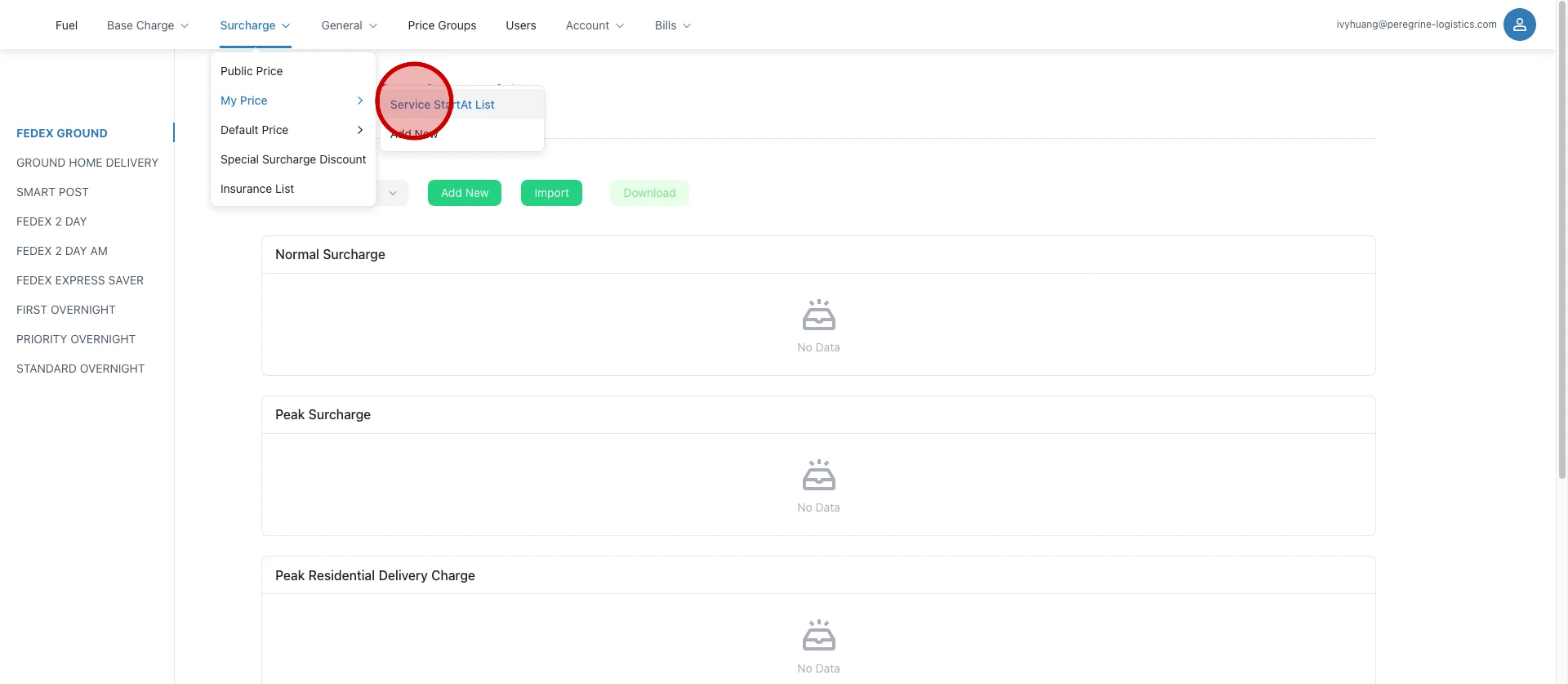
Click "Service StartAt List".
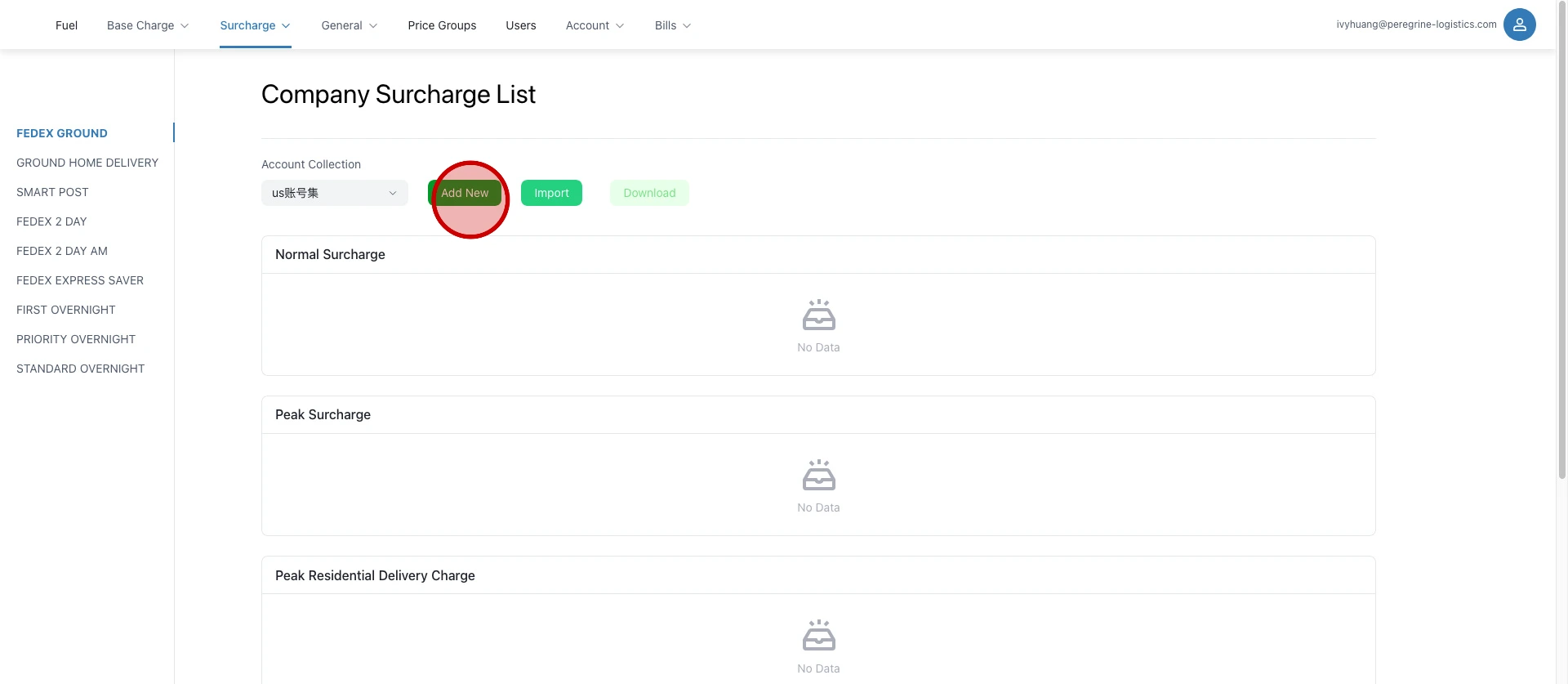
Select the account collection and click "Add New".
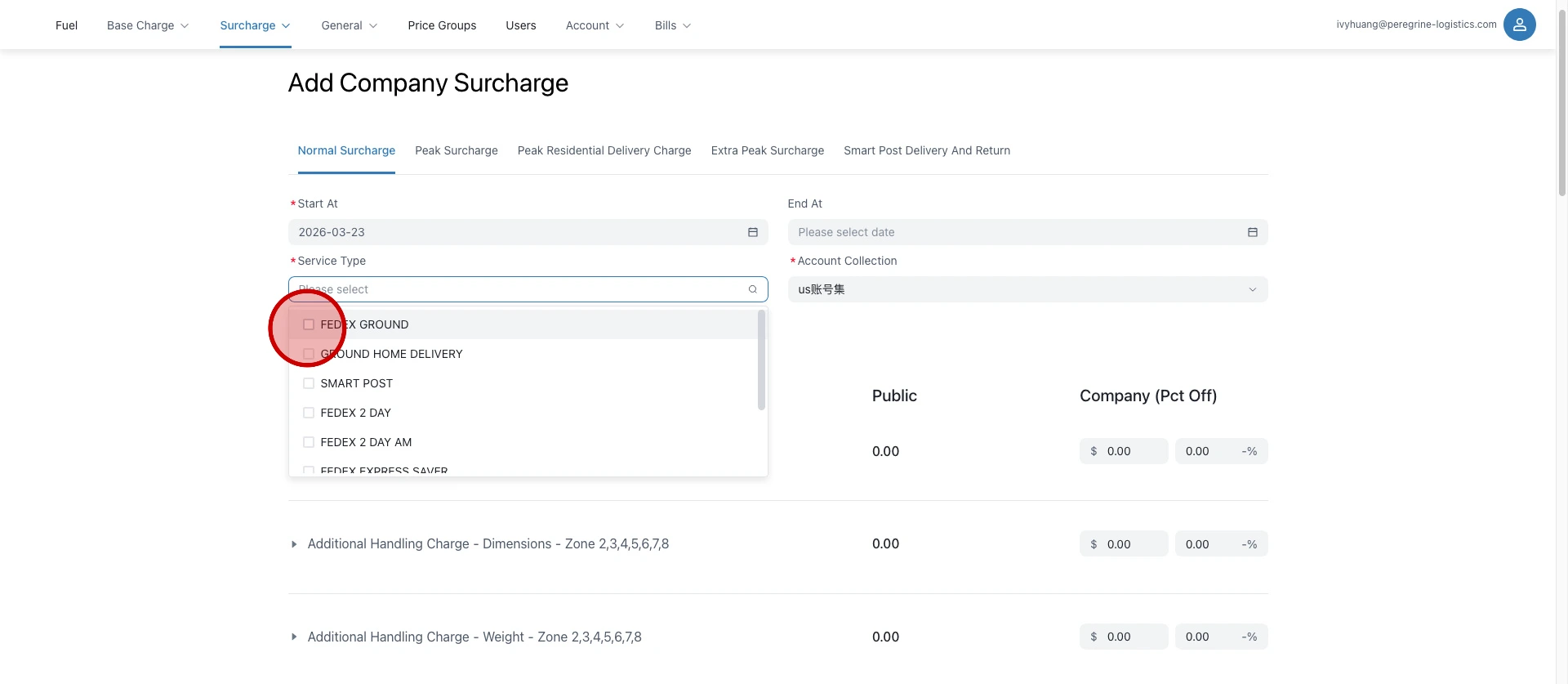
Select the logistics service.
Enter the discount.
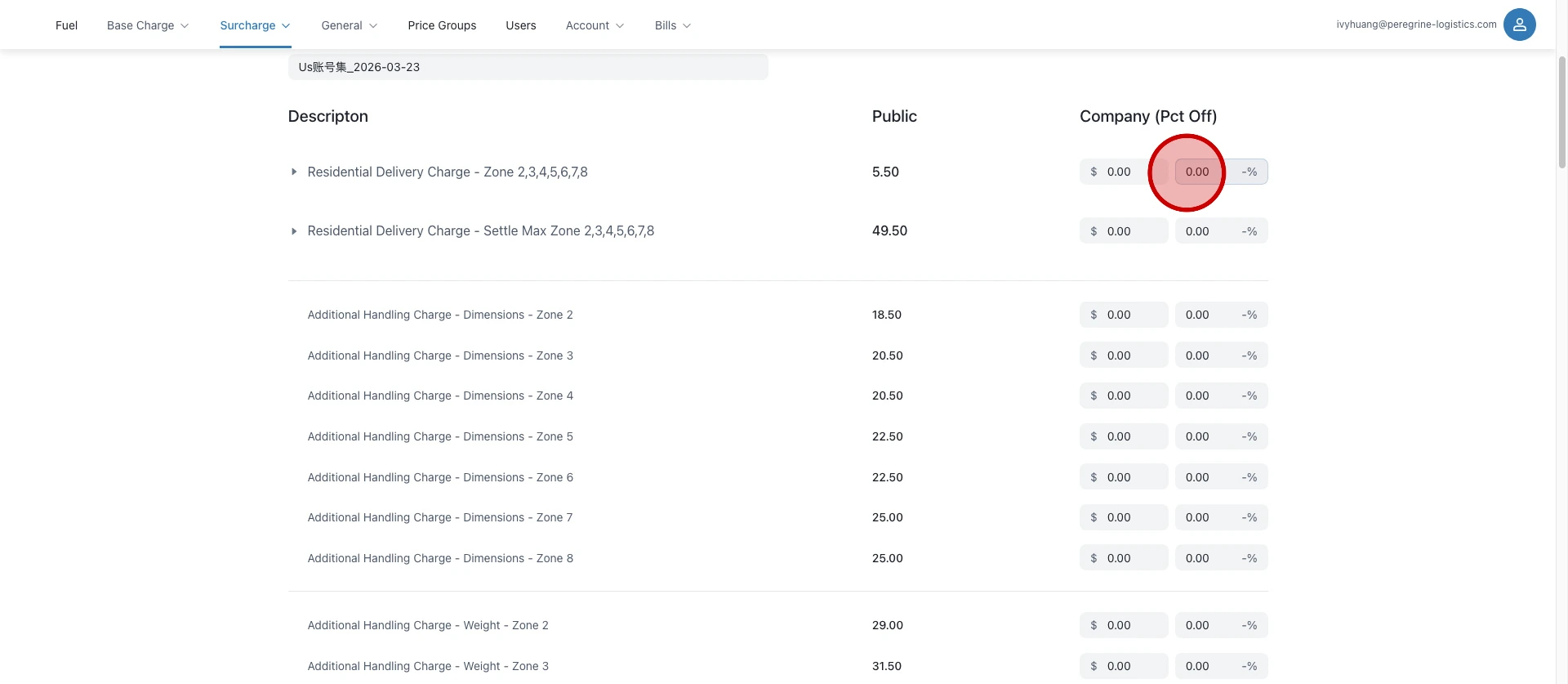
After the discount is entered, the system automatically fills the entire column.
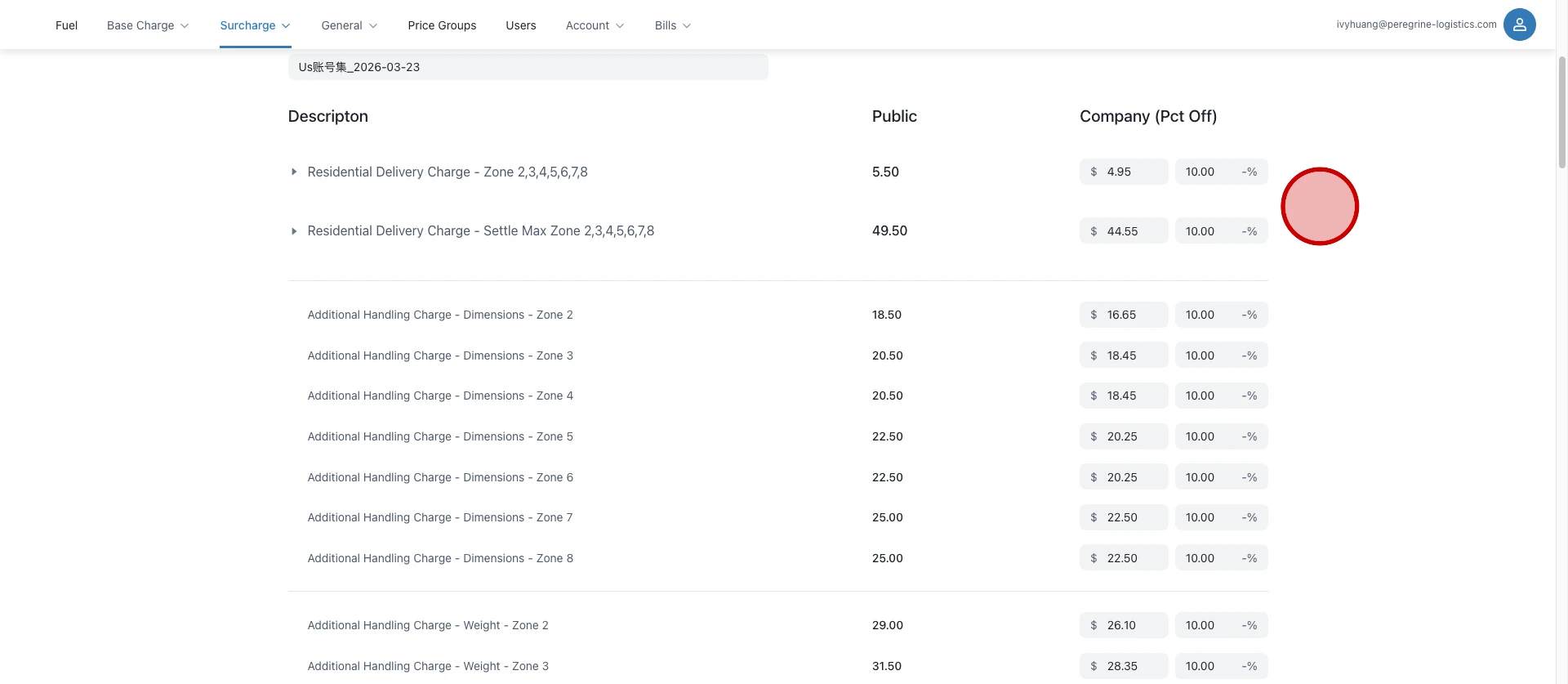
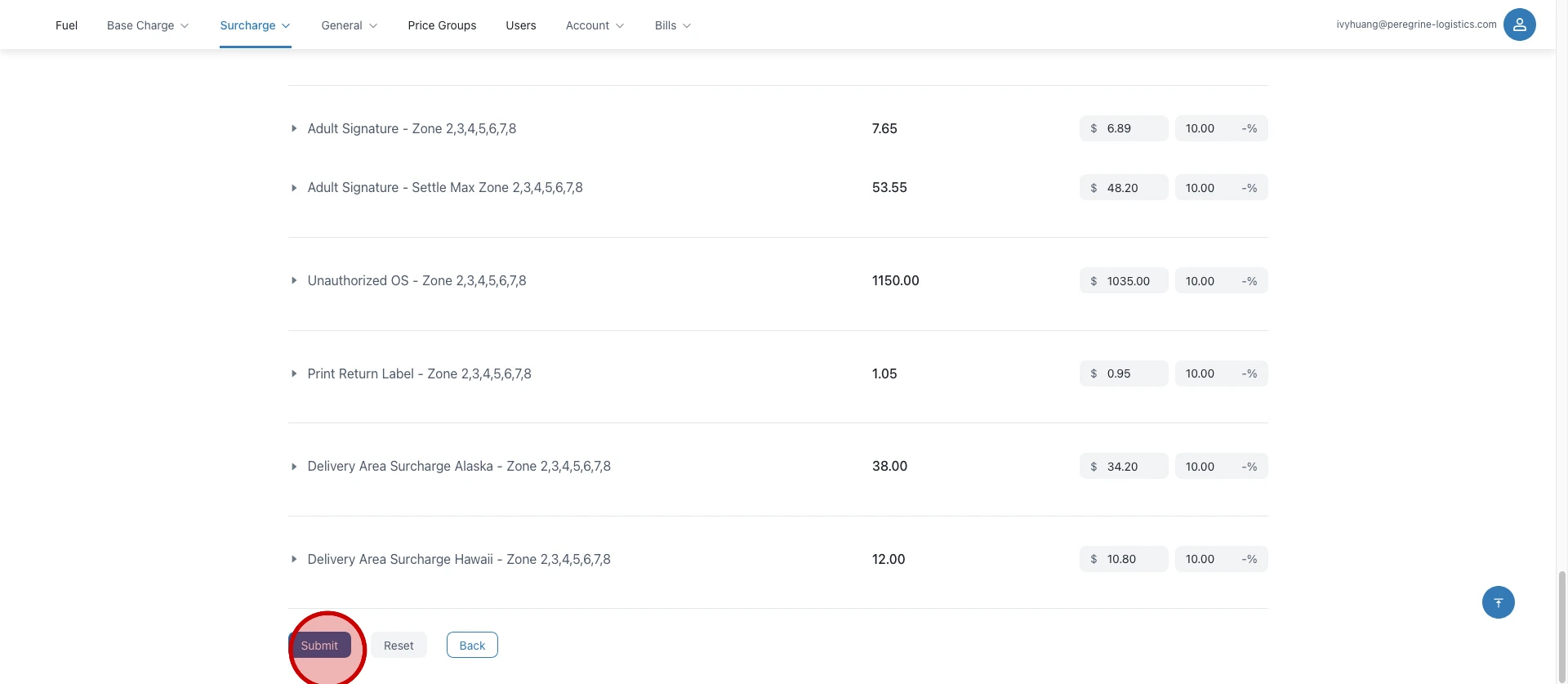
Click "Submit".